Alternatives to Higgsfield
Explore the best alternatives to Higgsfield. Compare features, pricing, integrations and see which tool fits your needs.
Why people switch away from Higgsfield:
Credit usage: Users report spending around $20 on just a few video clips.
Unlimited throttling: Heavy users can experience throttling.
Copyright blocks: Generations can sometimes be blocked without clear explanations.
Aggregator markup: Some models can cost considerably more through Higgsfield than directly from their original platform.
TL;DR:
The best overall alternative to Higgsfield is Runway, especially if you want a more professional video workflow with cinematic generation, advanced editing, camera controls, and production-focused tools. For realistic AI video, Kling AI gives you the latest Kling models without aggregator markup. Dreamina is worth exploring if affordable Seedance access is your priority, with direct access from ByteDance and longer video generation.
If you're looking for consistent characters, OpenArt offers persistent characters, custom models, and story-building tools. For local and open-source workflows, ComfyUI gives you granular control, local generation, and thousands of community-built nodes.
Runway
AI video and image platform known for cinematic video generation, advanced editing and professional creative workflows.
Features
Gen-4.5: Runway's flagship model known for realistic motion & cinematography
Aleph 2.0: Video editing & restyling model for changing existing footage
Gen-4 Image: Image generation & editing model
Camera controls: Control camera movement in generated scenes
References: Maintain characters, objects & visual styles
Third-party models: Access Seedance, Kling & other models
Video editor: Edit generated videos inside Runway
Voice & audio: Generate voices & add audio
Brand Kits: Organize reusable brand assets
Act-Two: Transfer performances onto animated characters
Pricing
Free: 125 one-time credits
Standard: $12/month, 625 credits
Pro: $28/month, 2,250 credits
Max: $76/month, 9,500 credits
Why it's better than Higgsfield
Professional Video Tools: Build polished videos with more production-focused tools and workflows.
Cinematic Generation: Create high-quality videos with realistic motion and cinematic visuals.
Footage Editing: Transform and restyle existing footage instead of generating everything from scratch.
Camera Controls: Get more control over camera movement and generated shots.
Team Workflows: Organize creative work with tools built for professional teams.
What you might lose if you switch
Higgsfield Models: No Soul, Genjutsu or Cinema Studio.
Model Selection: Fewer third-party models than Higgsfield.
Heavy Usage Costs: Higher tiers can become expensive for heavy video generation.
Generation Speed: Relaxed/unlimited generation can become slow during high demand.

Kling AI
Popular AI video platform built around Kling's own models, known for realistic motion, high-quality video generation and fast adoption among AI creators.
Features
Kling Video: Kling's core models, known for realistic movement & strong image-to-video.
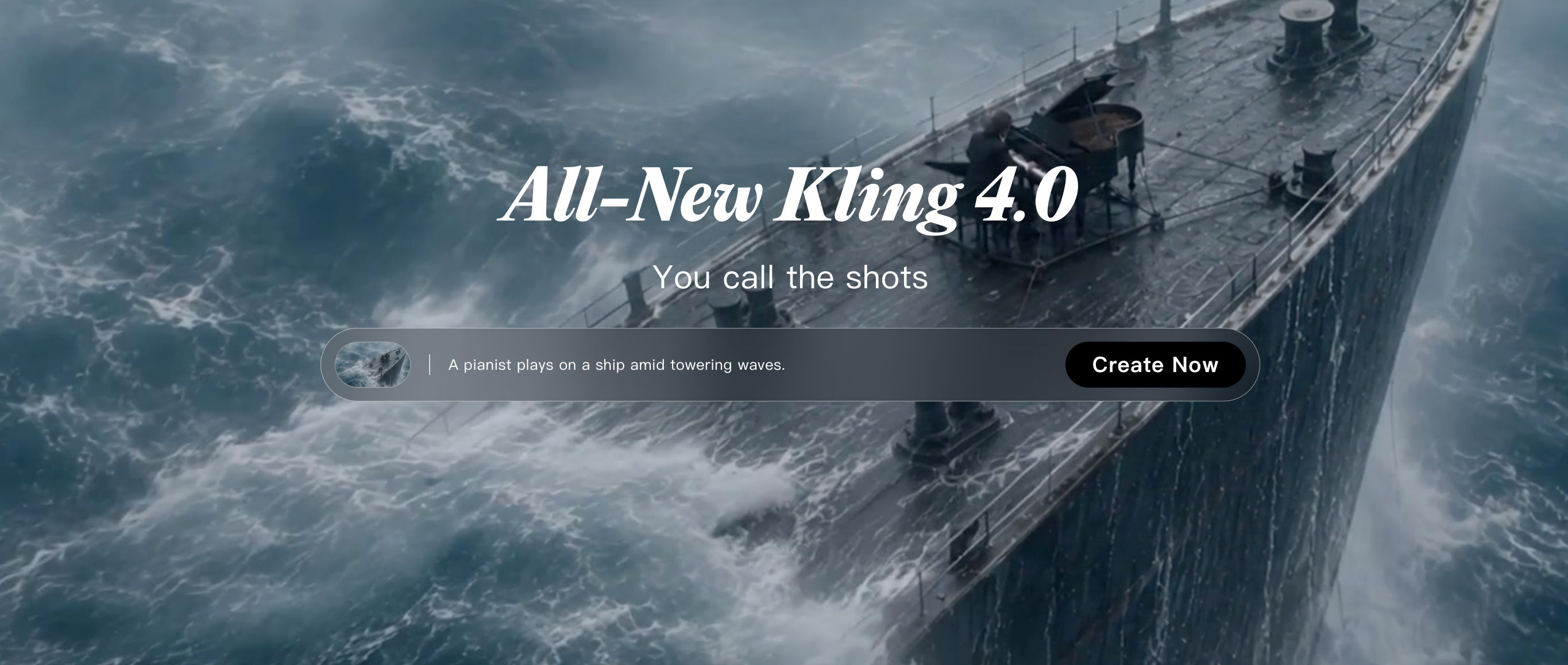
Kling 4.0: Latest video generation model with improved visual quality and native audio.
Kling Image 4.0: Image generation focused on high-resolution visuals and creative control.
Avatars: Generate AI presenters and talking characters for videos.
E-commerce: Create product-focused videos designed for online stores and advertising.
Creative Studio: A workspace for creating and managing Kling-generated content.
Agent Market: A collection of AI agents that automate specific creative tasks.
Pricing
Standard: $6.99 first month, then $8.80/month, 660 credits (30% off first month)
Pro: $25.99 first month, then $32.56/month, 3,000 credits (30% off first month)
Premier: $64.99 first month, then $80.96/month, 8,000 credits (29% off first month)
Ultra: $127.99 first month, then $159.99/month, 26,000 credits (29% off first month)
All plans: Daily free credits, unlimited queued tasks, fast-track generation, 1080p/4K video generation, watermark removal and commercial use
Premier & Ultra: Priority access to new features
Ultra: Beta test invites when available
Why it's better than Higgsfield
Direct Kling Access: Get Kling's latest models directly without paying an aggregator markup.
Video Quality: Create realistic videos with strong motion and detailed scenes.
Clearer API Pricing: Pay based on usage instead of a shared credit system.
Latest Models: Get access to new Kling models as they become available.
What you might lose if you switch
Model Selection: No large collection of unrelated AI models.
Creative Effects: No Higgsfield-specific effects and creative tools.
All-in-One Workflow: Less of an all-in-one creative platform.

Dreamina
ByteDance's AI creative platform and the official home for Seedance, popular for affordable access to high-end AI video generation.
Features
Seedance 2.5: ByteDance's flagship video model, known for realistic motion and strong video generation.
Seedream: ByteDance's image generation models for creating and editing high-quality images.
Nano Banana Pro: Advanced image generation and editing model.
Sora 2: OpenAI's video generation model available inside Dreamina.
Veo 3.1: Google's video generation model available through the platform.
AI Avatars: Create talking and presenter-style AI characters.
Marketing Studio: Generate marketing visuals and promotional content more quickly.
Video extension: Extend generated videos beyond their original duration.
Lip sync: Match generated speech with character mouth movements.
Upscaler: Increase the quality and resolution of generated images and videos.
Pricing
Basic: $1.50 first month, then $15/month, 1,575 credits
Standard: $22 first month, then $36/month, 3,885 credits
Advanced: $95 first month, then $159/month, 17,600 credits
Ultra: $312 first month, then $520/month, 59,000 credits
Basic: Up to 19 ten-second videos/month
Standard: Up to 48 ten-second videos/month
Advanced: Up to 220 ten-second videos/month
Ultra: Up to 737 ten-second videos/month
Why it's better than Higgsfield
Cheaper Seedance Pricing: Get Seedance directly from ByteDance at a lower price than going through an expensive aggregator.
Longer Videos: Create longer AI videos for more complete scenes.
More Reference Images: Use a large number of visual references to better control generated videos.
CapCut Workflow: Move generated content directly into CapCut for editing.
What you might lose if you switch
Higgsfield Models: No Higgsfield-specific models such as Soul and Genjutsu.
Model Selection: Smaller selection of third-party models.
Generation Queues: Generation queues can be long during busy periods.
Face Restrictions: Some face-related generations can be restricted.
OpenArt
AI creative platform with 100+ models, persistent characters and tools for building complete visual stories
Features
100+ models: Access image and video models from different AI companies in one platform.
Persistent Characters: Keep the same character's appearance across multiple generations.
Custom Models: Train or customize models for a particular visual style.
One-Click Stories: Turn an idea into a sequence of images or scenes.
Director Mode: Get more control over how scenes are composed and generated.
Image & video generation: Create both still images and video content.
Commercial rights: Use generated content for commercial projects.
MCP: Connect OpenArt with AI agents and automated workflows.
Pricing
Starter: $13/month, 4,000 credits
Plus: $27/month, 12,000 credits
Pro: $44/month, 24,000 credits
Wonder: $175/month, 106,000 credits + unlimited generation
Billing: Annual billing available
Why it's better than Higgsfield
Consistent Characters: Keep recurring characters looking similar across multiple scenes and generations.
Custom Models: Train models around your own visual style or creative requirements.
Story Creation: Turn ideas into connected visual sequences instead of creating each scene separately.
Series Creation: Build repeatable characters and visuals for comics, stories or content series.
Commercial Features: Use tools designed around creators producing content for commercial projects.
What you might lose if you switch
Seedance Pricing: Seedance can cost more than using it directly through Dreamina.
Higgsfield Effects: No Higgsfield-specific effects.
Cinematic Focus: Less focused on cinematic VFX-style generation.
Support: Credit and support complaints.

Magnific
AI creative platform combining image and video generation with powerful upscaling, editing and a huge stock asset library.
Features
AI Upscaling: Increase image resolution while adding detail and improving quality.
Image generation: Generate and edit creative assets.
Video generation: Access multiple AI video models.
Stock library: Search a large library of ready-made creative assets.
Camera controls: Adjust perspective and camera-related properties.
Lighting controls: Change the lighting and visual mood of generated images.
AI Characters: Create recurring AI characters.
Spaces: Organize creative projects and assets.
Commercial rights: Designed for professional and commercial use.
MCP: Connect Magnific to AI-powered workflows.
Pricing
Premium: $25/month
Premium+: $45/month
Pro Starter: $110/month
Billing: Annual plans available
Included: 30+ AI models and Freepik's wider creative ecosystem
Why it's better than Higgsfield
AI Upscaling: Improve image resolution while adding realistic detail to low-quality visuals.
Stock Library: Get AI generation and a huge stock library in one platform.
Creative Assets: Combine generated visuals with traditional stock assets for design projects.
Freepik Ecosystem: Access AI tools alongside Freepik's wider creative asset library.
What you might lose if you switch
Higgsfield Effects: No Higgsfield-specific video effects.
Video Pricing: Some video models can be expensive.
Cinematic Focus: Broader design focus means fewer specialized cinematic tools.
Pika
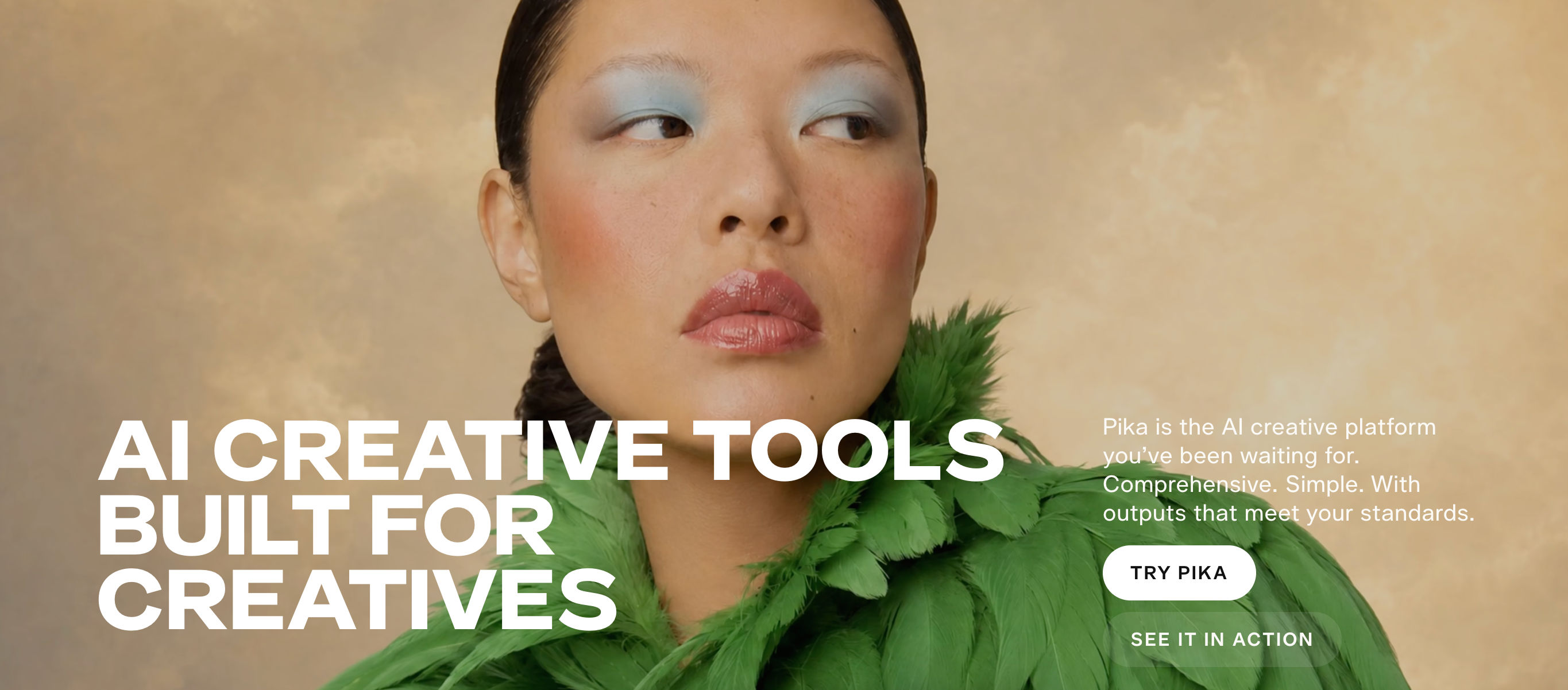
Consumer-friendly AI video platform known for fun visual effects, easy image-to-video generation and simple creative workflows.
Features
Text-to-video: Turn prompts into short videos.
Image-to-video: Animate still images into videos.
Video-to-video: Transform existing footage using AI.
Pikaffects: Apply recognizable AI effects to images and videos.
Pikaswaps: Replace elements in a video.
Pikadditions: Add new objects or elements to footage.
Camera controls: Control movement and framing in generated videos.
Face preservation: Helps maintain a person's face when transforming content.
Third-party models: Includes models such as Seedance, Wan and Nano Banana.
Pricing
Free: Limited credits
Starter: $10/month, 900 credits
Creator: $35/month, 3,150 credits
Fancy: $95/month, 8,550 credits
Credit packs: Available separately
Annual billing: Annual plans offer discounts
Why it's better than Higgsfield
Lower Entry Price: Costs less to get started with AI video generation.
Creative Effects: Produce engaging videos with easy-to-use creative effects.
Image-to-Video: Easily turn still images into engaging video content.
Flexible Credits: Buy additional credit packs without moving to a higher subscription tier.
Social Content: Quickly create short-form videos designed for social media.
What you might lose if you switch
Cinematic Control: Less cinematic control than Higgsfield.
Higgsfield Models: No Soul, Genjutsu or Cinema Studio.
Production Focus: More playful than production-focused.
Seedance Credits: Seedance generation still consumes a significant number of credits.
Fal AI
Developer-focused AI platform that provides pay-as-you-go access to 100+ image, video and audio models through APIs.
Features
100+ models: Access many image, video and audio models through one developer platform.
Serverless GPUs: Run AI models without managing your own GPU infrastructure.
LoRA: Customize models for specific styles, characters or use cases.
Workflows: Build multi-step generation pipelines.
Sandbox: Test AI generation in an isolated environment.
fal Agent: Use AI to help build and run generation workflows.
Pricing
Pay-as-you-go: No monthly credit subscription.
Wan 2.5: ~$0.05/second
Kling 2.5: ~$0.07/second
Veo 3: ~$0.40/second
Seedream: ~$0.03/image
Nano Banana: ~$0.04/image
GPU pricing: Varies by hardware and usage
Why it's better than Higgsfield
Pay-Per-Use Pricing: Pay for the AI generation you actually use instead of a fixed monthly credit pool.
No Credit Expiry: Avoid losing unused credits at the end of a billing period.
Developer Access: Add many AI models directly to your own applications.
AI Product Development: Build AI-powered products instead of relying on a consumer creative studio.
Custom Workflows: Build generation pipelines around your own product requirements.
What you might lose if you switch
Consumer Studio: No polished consumer creative studio.
Camera Controls: No camera-control interface like Runway.
Technical Setup: You need to build or configure your own workflow.
Higgsfield Effects: No Higgsfield-specific creative effects.

HeyGen
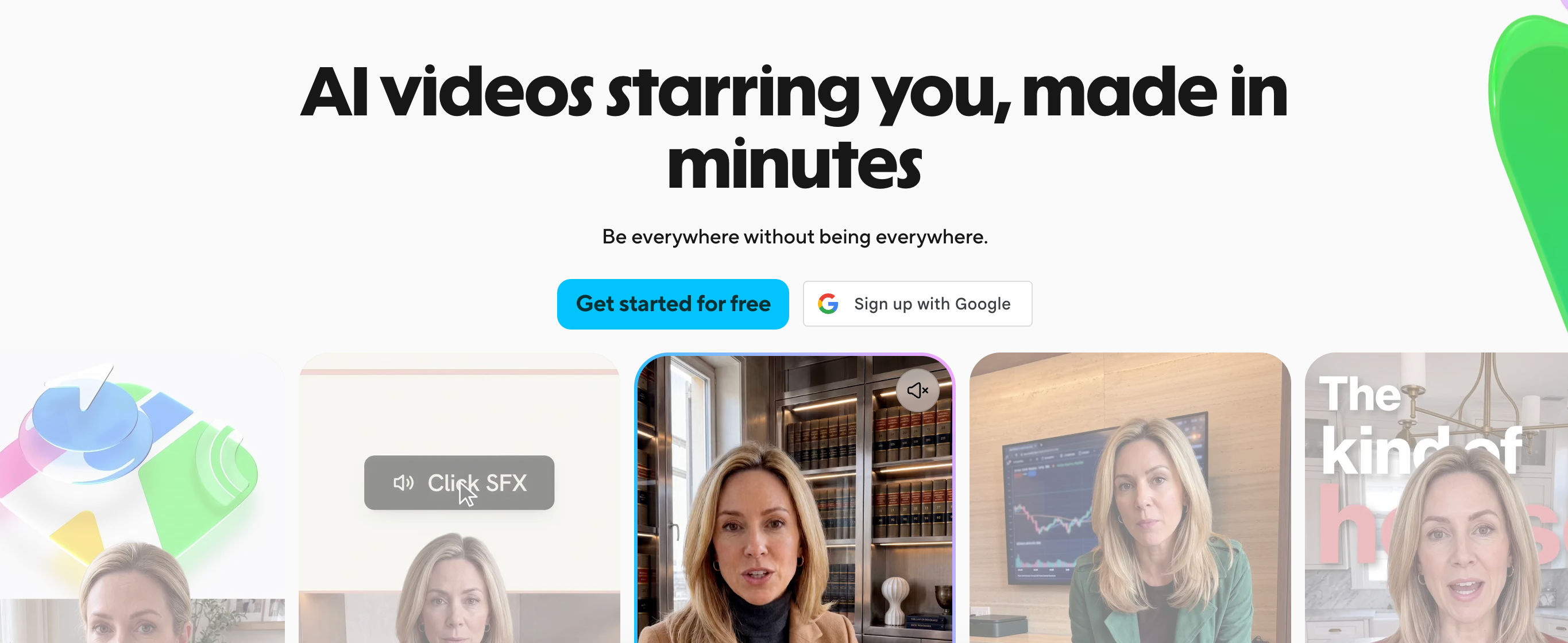
AI video platform focused on realistic avatars, voice cloning and multilingual business videos.
Features
AI Avatars: Create videos with realistic digital presenters.
Avatar IV: Generate expressive avatar videos from a photo and script.
Voice cloning: Create a digital version of a person's voice.
175+ languages: Create and translate videos for international audiences.
AI Studio: Build complete presenter-style videos without traditional editing software.
Video translation: Translate existing videos while keeping the speaker's voice and lip movements aligned.
Lip sync: Match spoken audio to the avatar's mouth movements.
Custom avatars: Create reusable digital presenters for recurring content.
Pricing
Free: 3 videos/month, up to 1 minute
Creator: $29/month
Pro: $49/month
Business: Custom pricing
Enterprise: Custom pricing
Why it's better than Higgsfield
Realistic Avatars: Create presenter-style videos without needing to appear on camera.
Voice Cloning: Reuse a person's voice across different videos and languages.
Avatar Library: Choose from a large library of ready-made digital presenters.
Business Videos: Create marketing, training and internal videos more efficiently.
Easy Production: Turn scripts into presenter videos without advanced video skills.
What you might lose if you switch
Cinematic Models: No broad collection of cinematic video models.
Image Generation: No general image-generation platform.
Higgsfield Effects: No Higgsfield-specific effects.
Scene Control: Less control over cinematic scenes.

Comfy
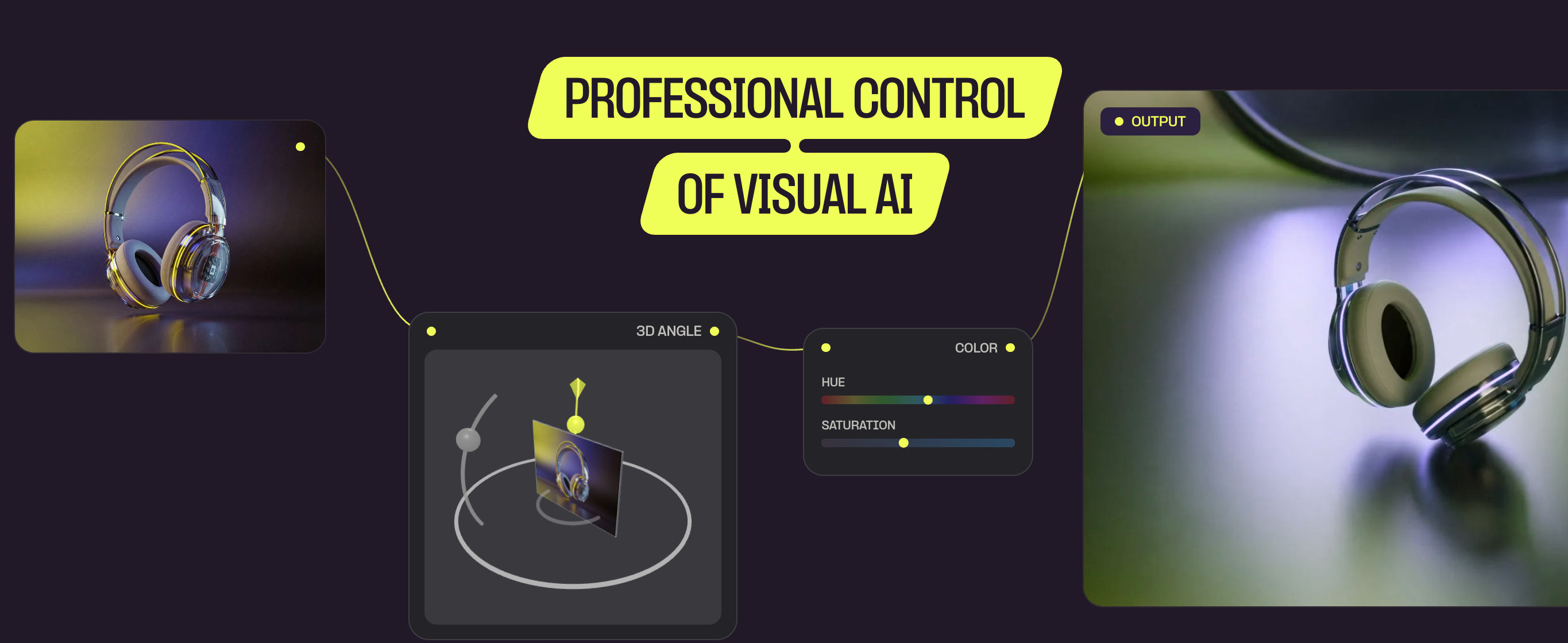
Open-source AI workflow platform that gives creators detailed control over image and video generation, including local models.
Features
Node workflows: Connect different AI models and processing steps to build custom generation pipelines.
Local generation: Run models on your own computer instead of sending everything to a cloud service.
60,000+ community nodes: Add functionality created by the community.
Model support: Run models such as Wan, FLUX, Kling, Seedance and others.
Camera control: Build workflows with detailed control over generated shots.
Reproducibility: Save workflows and recreate results later.
Custom models: Use LoRAs, checkpoints and other custom model components.
Pricing
Free: Open source
Local: Run locally using your own hardware
Comfy Cloud: Hosted options available
Model licensing: Varies by model
Why it's better than Higgsfield
No Credit Meter: Generate without being limited by a shared monthly credit pool.
Local Generation: Run models directly on your own hardware.
Deep Control: Fine-tune individual generation steps instead of relying on preset workflows.
Custom Workflows: Build workflows around specific creative requirements.
AI Pipelines: Create repeatable pipelines for complex generation tasks.
Open Source: Inspect, modify and share workflows with the community.
What you might lose if you switch
Learning Curve: Much steeper learning curve.
GPU Requirements: You may need your own powerful GPU.
Setup: More setup and maintenance.
Prompt Experience: No simple prompt-first creative experience.
Model Quality: Some open models may not match the quality of the newest commercial systems.
Higgsfield Effects: No Higgsfield-specific effects.

Veemo
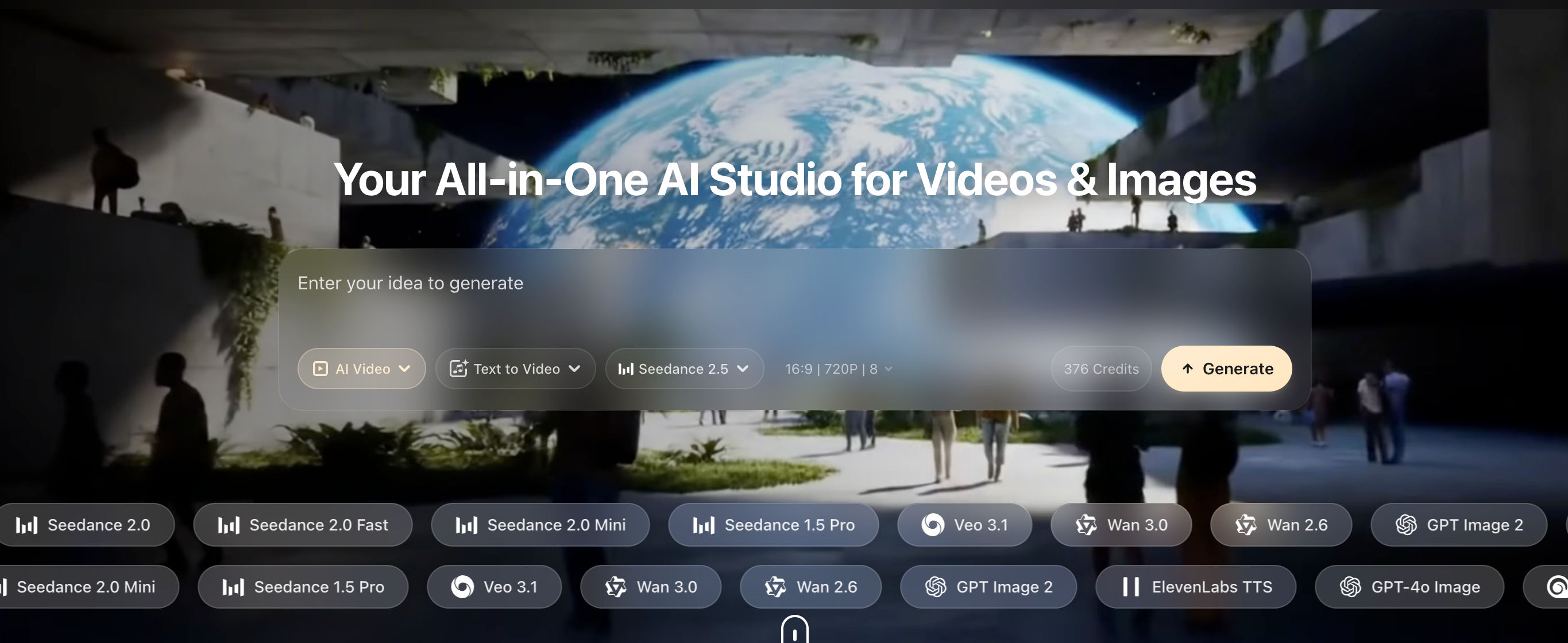
AI media aggregator offering around 40 image, video and audio models with lower-cost plans and non-expiring credit packs.
Features
40+ models: Access video, image and audio models from one platform.
Video generation: Generate videos from text, images or existing footage.
Image generation: Create images using multiple AI models.
Avatars: Generate AI characters and presenters.
Image editor: Edit and modify generated images.
Upscaling: Increase image quality and resolution.
Background removal: Remove backgrounds from generated or uploaded images.
Failed-generation refunds: Credits can be returned when a generation fails.
Pricing
Basic: $29.90, 598 credits
Standard: $49.90, 998 credits
Pro: $99.90, 1,998 credits
Max: $199.90, 3,998 credits
Credit packs: One-time packs do not expire
Annual billing: Annual plans offer discounts
Why it's better than Higgsfield
Non-Expiring Credits: Keep unused credits available instead of losing them at the end of a billing period.
Lower Model Costs: Access many popular models without paying the same aggregator markup.
Failed Generation Refunds: Get credits back when a generation fails.
40+ AI Models: Generate image, video and audio content from one platform.
What you might lose if you switch
Higgsfield Models: No Higgsfield-specific models.
Ecosystem: Newer and smaller ecosystem.
Integrations: Fewer integrations.
Market Maturity: Less established than major platforms.
Proprietary Models: No large proprietary model ecosystem.

Arcads
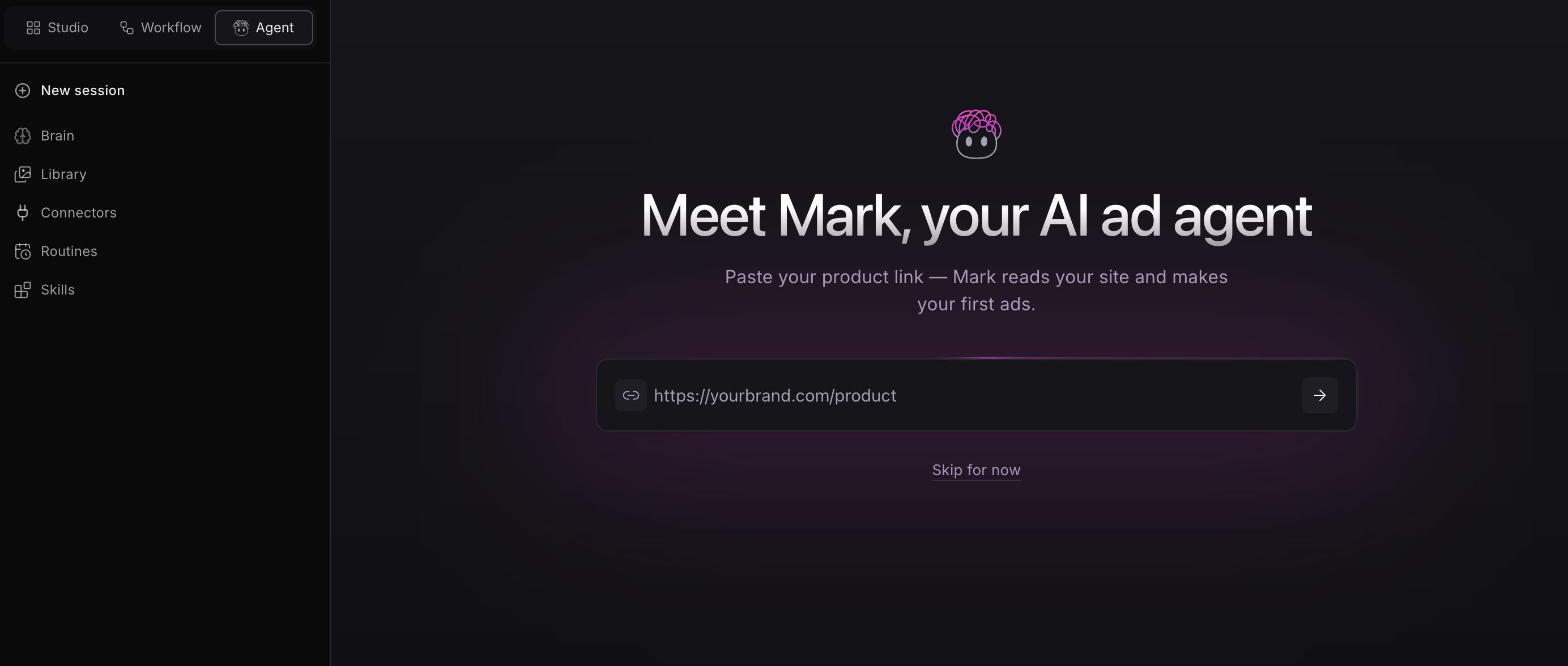
AI UGC advertising platform built around AI actors, product videos and performance marketing workflows.
Features
1,000+ AI actors: Choose from a large library of digital actors for UGC-style advertisements.
Custom actors: Create reusable AI actors for a brand.
Emotion control: Adjust how an AI actor delivers a line.
30+ languages: Localize ads for different markets.
Ad presets: Start with formats designed specifically for advertising.
Workflow canvas: Organize multiple steps involved in producing an ad.
AI Agent: Automate parts of the advertising creation process.
Pricing
Starter: $110/month, 10 videos, 300 AI actors, 35 languages, 2-minute wait time, videos up to 120 seconds
Creator: $220/month, 20 videos, 300 AI actors, 35 languages, 2-minute wait time, videos up to 120 seconds
Pro: Custom pricing, 700+ AI actors, custom actor cloning, team collaboration, performance guidance, 2-minute delivery and API access
Why it's better than Higgsfield
UGC Ad Creation: Built specifically for producing UGC-style ads at scale.
Large Actor Library: Test different faces and personas across multiple creative concepts.
Ad-Focused Workflow: Organizes the process around scripts, actors and finished advertisements.
Emotion Controls: Adjust how actors deliver lines for different ad styles.
Multilingual Ads: Create localized versions of campaigns for different markets.
What you might lose if you switch
Cinematic Video: No general cinematic video generation.
Image Generation: No broad image-generation platform.
Higgsfield Effects: No Higgsfield effects.
Model Selection: Limited model choice.
Pricing: Can become expensive per video.
Developer Integrations: Limited developer integrations.